Amazon affiliate link — supports Zipero for free. Go Premium to remove.
Optimize PDF
Normalise and optimise your PDF files directly in the browser. Reduces size and fixes structural issues.
1
Upload2
Process3
DoneDrag & drop files here
or click to browse from your computer
MAX SIZE: 20 MB
Fast Private
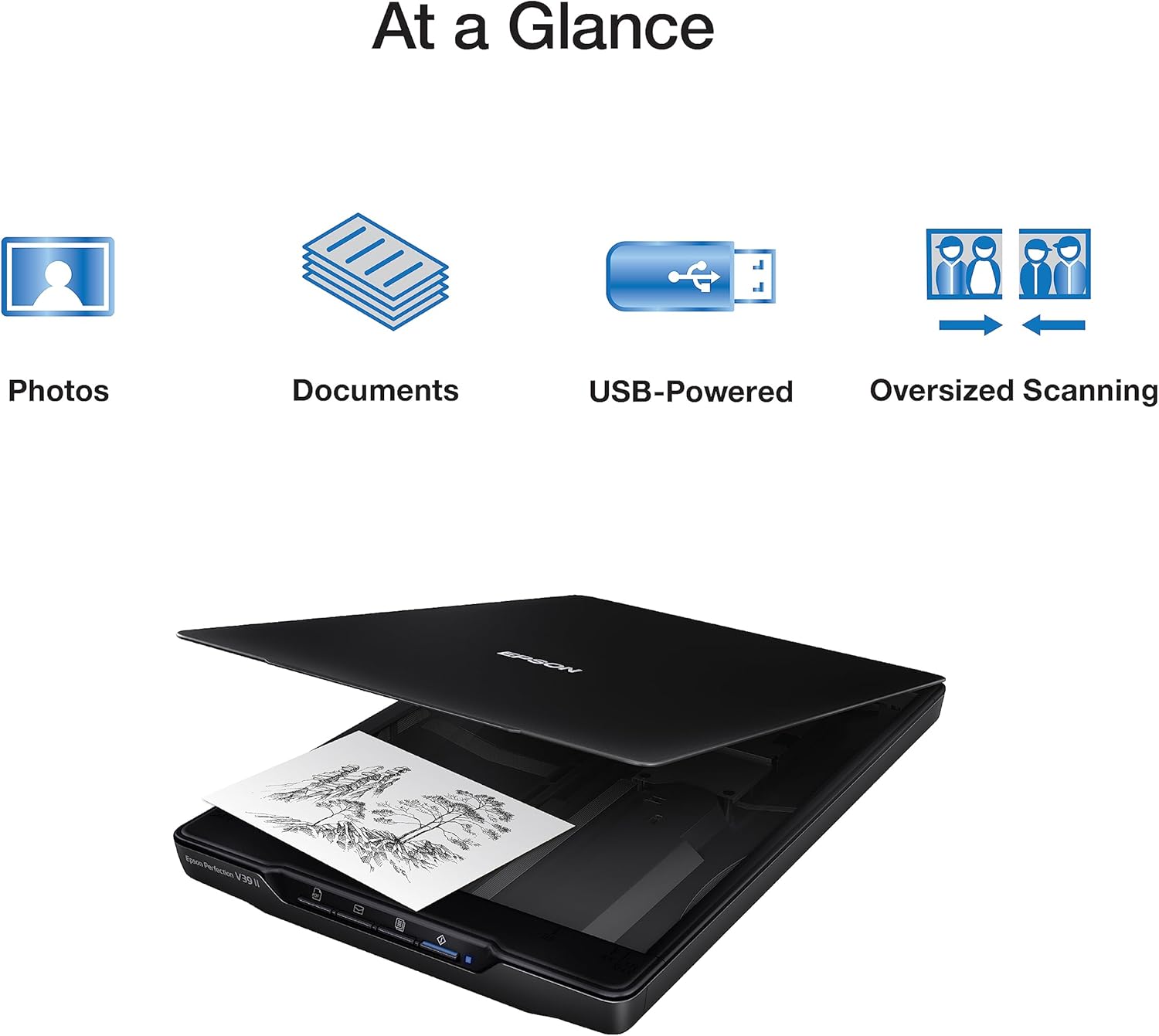
Scanner à plat
Epson Perfection V39 II
65€env.
View on Amazon
Amazon affiliate link — supports Zipero for free. Go Premium to remove.
Your document, converted to PDF without any hassle.
Need to send a file as a PDF? Zipero converts it in seconds, keeping all your fonts, images, and layout exactly as they were. No reformatting, no surprises — just a clean, perfect PDF ready to share.
No account required and nothing to install. Just open the tool, drop your file in, and download your PDF. Works with any document type.
Everything runs in your browser. Your files are never sent to a server — close the tab and they disappear immediately.
How to convert a document to PDF with Zipero
- 1Upload the file you want to convert by dragging it into the tool or clicking to browse. Zipero accepts common document and image formats.
- 2The converter preserves your fonts, images, colours, and layout automatically — there are no settings to configure and no quality to sacrifice.
- 3Click Convert and download your finished PDF. It is ready to share, print, sign electronically, or archive immediately.
When should you convert a file to PDF?
- ▸Sending professional documents: PDF is the universal standard for contracts, quotes, and invoices. Recipients see exactly what you created regardless of their operating system, software version, or installed fonts — no layout shifts, no missing characters.
- ▸Archiving important files: the PDF format is self-contained — fonts and images are embedded, not linked. A PDF you create today will look identical in twenty years, making it the preferred format for document preservation and long-term archiving.
- ▸Protecting document formatting: Word documents reflow and reformat when opened on a different version of the software. PDF locks the layout in place — what you designed is exactly what the recipient receives.
How PDF conversion works — structure, fonts, and portability
The PDF format is a portable document format: Adobe's original design goal was that a PDF file would render identically on any device, operating system, or printer. To achieve this, a PDF embeds everything it needs — fonts, images, colour spaces — directly inside the file. Unlike a Word document that lists required fonts and depends on them being locally installed, a PDF transported to another machine produces the same visual output.
Technically, a PDF file is a collection of numbered objects: page objects, font objects, image XObjects, content streams, resource dictionaries. A cross-reference table near the start of the file maps each object number to its byte offset, allowing direct random access without reading the entire file. When converting a document to PDF, each layout element is serialised into these objects according to a formal ISO specification (ISO 32000).
Font embedding is the critical step. Zipero uses pdf-lib in-browser to create PDF objects. Standard system fonts like Times New Roman, Helvetica, and Courier are referenced without being embedded (all PDF readers know them). Custom fonts are embedded as subsets — only the glyphs actually used in the document are included, keeping file size at a reasonable minimum while guaranteeing faithful rendering on any device.
Frequently asked questions about PDF conversion
Which file formats can be converted to PDF?
Zipero converts the most common document and image formats to PDF, including JPG, PNG, and WebP images, as well as standard text-based document formats. The exact list of supported inputs depends on the libraries running in your browser environment.
Does the conversion preserve my fonts and layout?
Yes. Fonts are embedded directly in the output PDF during conversion, so the document looks identical on any device — even if the recipient does not have those specific fonts installed on their system.
My converted PDF looks slightly different from the original. Why?
Complex documents with advanced formatting — multiple-column layouts, embedded spreadsheet data, custom tab stops — may reflow slightly during conversion. For pixel-perfect results with complex layouts, export directly as PDF from the document's native application (Word, Google Docs, etc.).
Related articles
Convert an Image to PDF: Fast and Simple Guide
Turn your JPG, PNG or WebP photos into a PDF document in seconds — no software to install.
PDF/A vs PDF: What's the Difference for Archiving?
PDF/A is the ISO standard for long-term archiving. Understand when and why to use it instead of a standard PDF.
How to Sign a PDF Without Printing It
Signing a PDF digitally is legal, fast, and requires neither a printer nor a scanner. The available methods explained clearly.
Scanner à plat
Epson Perfection V39 II
65€env.
View on Amazon
Amazon affiliate link — supports Zipero for free. Go Premium to remove.