Amazon affiliate link — supports Zipero for free. Go Premium to remove.
Convert Video
Change your video format for any platform. Fast cloud processing, HD quality preserved.
1
Upload2
Process3
DonePREMIUM
Drag & drop files here
or click to browse from your computer
MAX SIZE: 20 MB
Fast Cloud Processing
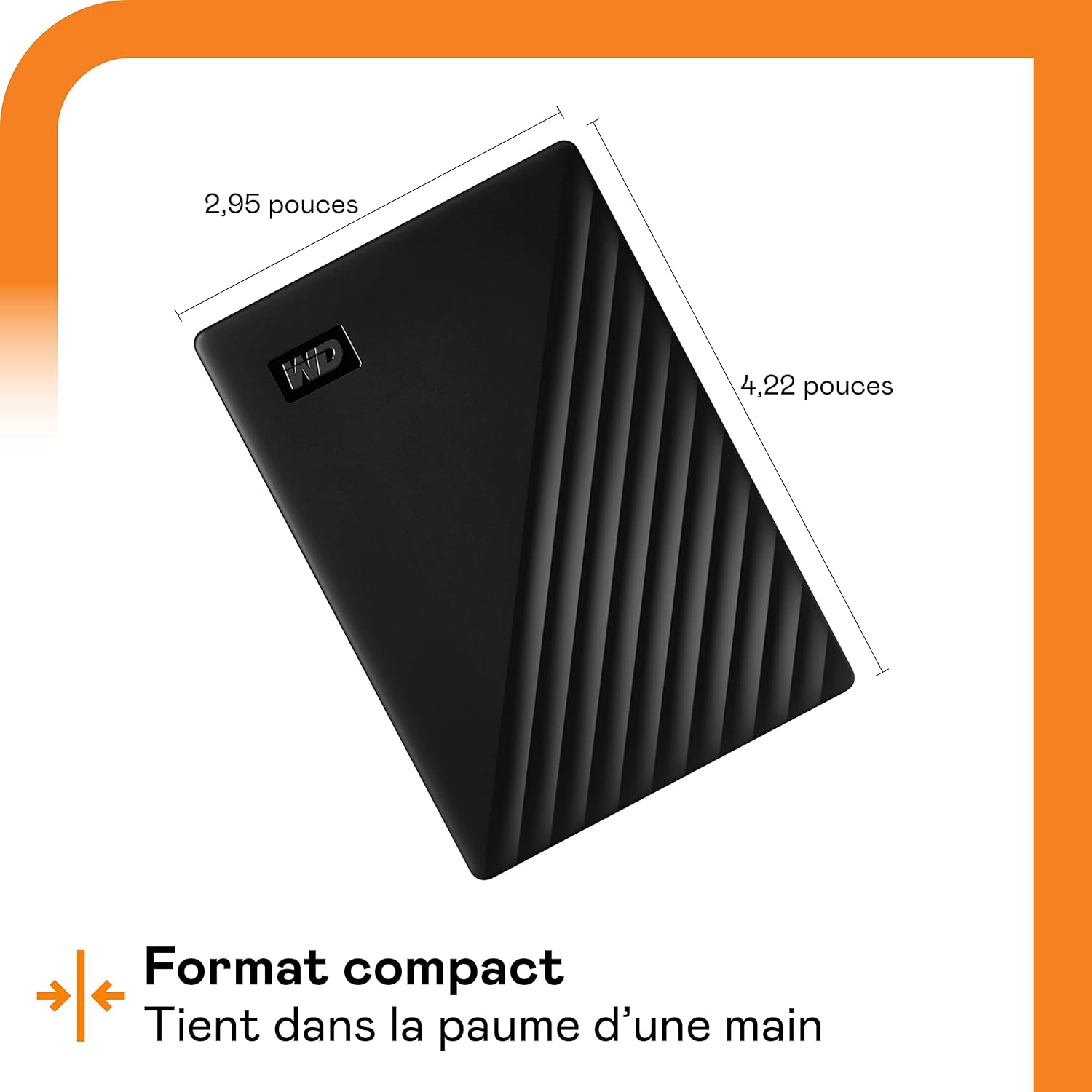
Stockage portable
WD My Passport 2 To
75€env.
View on Amazon
Amazon affiliate link — supports Zipero for free. Go Premium to remove.
Convert any video to the format you need.
Whether you need an MP4 for social media, a WebM for your website, or a GIF for a short clip — Zipero's cloud converter has you covered. Just upload your video and pick the output format.
Cloud processing means even large video files convert quickly without slowing down your computer. Supports MP4, MOV, AVI, MKV, and more.
Your video is uploaded securely, converted in our cloud, and permanently deleted within 24 hours. You can also delete it immediately after downloading.
How to convert a video with Zipero
- 1Upload your video file. Supported inputs include MP4, MOV, AVI, and MKV. All files are transferred over an encrypted HTTPS connection.
- 2Choose your output format: MP4 for the widest device compatibility, WebM for web-optimised delivery, MKV for a high-quality archive, or GIF to turn a short clip into a looping animation.
- 3Click Convert. Processing happens on Zipero's cloud servers — your computer does no heavy lifting. Download your finished file when it is ready. It is automatically deleted from our servers within 24 hours.
When do you need to convert a video format?
- ▸Uploading to a specific platform: YouTube, TikTok, Instagram, and Twitter each recommend different container formats, codecs, and resolution targets. Converting to the platform's preferred format before uploading ensures maximum quality and avoids the platform re-encoding your video a second time.
- ▸Reducing file size for sharing or storage: raw screen recordings and camera footage in MKV or MOV containers can be enormous. Converting to MP4 with the same resolution typically cuts file size by 50–70%, making files practical to share via email or cloud storage.
- ▸Creating GIFs from short video clips: extract a 3–5 second highlight from a longer recording and convert it to an animated GIF for use in presentations, technical documentation, or social media posts where video autoplay is not supported.
Containers and video codecs — what actually happens during conversion
The first thing to understand about video formats: the file extension (.mp4, .mkv, .mov) refers to the container, not the codec. The container is the wrapper — it organises video data, audio, subtitles, and metadata in a file. The codec is the compression algorithm applied to the actual video frames. An .mp4 file can contain H.264, H.265, or VP9 video — very different codecs with very different characteristics.
Converting between containers (e.g., MKV to MP4) often changes only the wrapper without touching the encoded data — this is nearly instant and lossless. Converting between codecs (e.g., H.264 to VP9) requires a full re-encode: every frame is decoded, processed, and re-encoded according to the new codec's parameters. That is why a codec conversion takes minutes. H.264 encodes in groups of frames (GOP) with full keyframes and intermediate frames that encode only differences — this temporal prediction structure is what enables video compression.
Zipero uses FFmpeg server-side for video transcoding. FFmpeg is the industry-reference video processing engine — it powers YouTube, VLC, Handbrake, and thousands of other tools. Conversion happens on our cloud infrastructure (not in your browser) because video decode/re-encode is computationally intensive. Files are deleted within 24 hours in compliance with our GDPR policy.
Frequently asked questions about video conversion
Is video quality preserved during conversion?
Yes. Zipero uses FFmpeg on the server side with high-quality encoding presets. The output is visually indistinguishable from the input at equivalent bitrate settings. We do not apply aggressive compression by default — quality is always prioritised.
How long does video conversion take?
Processing speed depends on the file size and output format. A typical 5-minute 1080p MP4 converts in 2–4 minutes on Zipero's cloud infrastructure. You can safely close the browser tab and return later — your converted file will be ready and waiting in your downloads.
Is video conversion available on the free plan?
Video conversion requires a Premium subscription because it uses dedicated cloud server resources for transcoding. All local tools — image compression, image conversion, PDF merging, PDF conversion, and page extraction — are always free with no account required.
Related articles
Convert MP4 to WebM for the Web: When and Why
WebM is 25-35% lighter than MP4 at equivalent quality. Here's when making the switch improves your site's performance.
Video Formats: MP4, WebM, MOV, MKV — Which Should You Choose?
Understanding the difference between containers and codecs, and choosing the right format for your destination platform.
Converting Videos for TikTok, Instagram and YouTube
Every platform has its own recommended formats and codecs. Uploading in the right format avoids automatic recompression and preserves quality.
Stockage portable
WD My Passport 2 To
75€env.
View on Amazon
Amazon affiliate link — supports Zipero for free. Go Premium to remove.