Amazon affiliate link — supports Zipero for free. Go Premium to remove.
JPG to PDF
Turn your JPG, PNG, or WebP photos into a single PDF. Reorder them, choose the page format.
1
Upload2
Process3
DoneDrag & drop files here
or click to browse from your computer
MAX SIZE: 20 MB
Fast Private
Page format
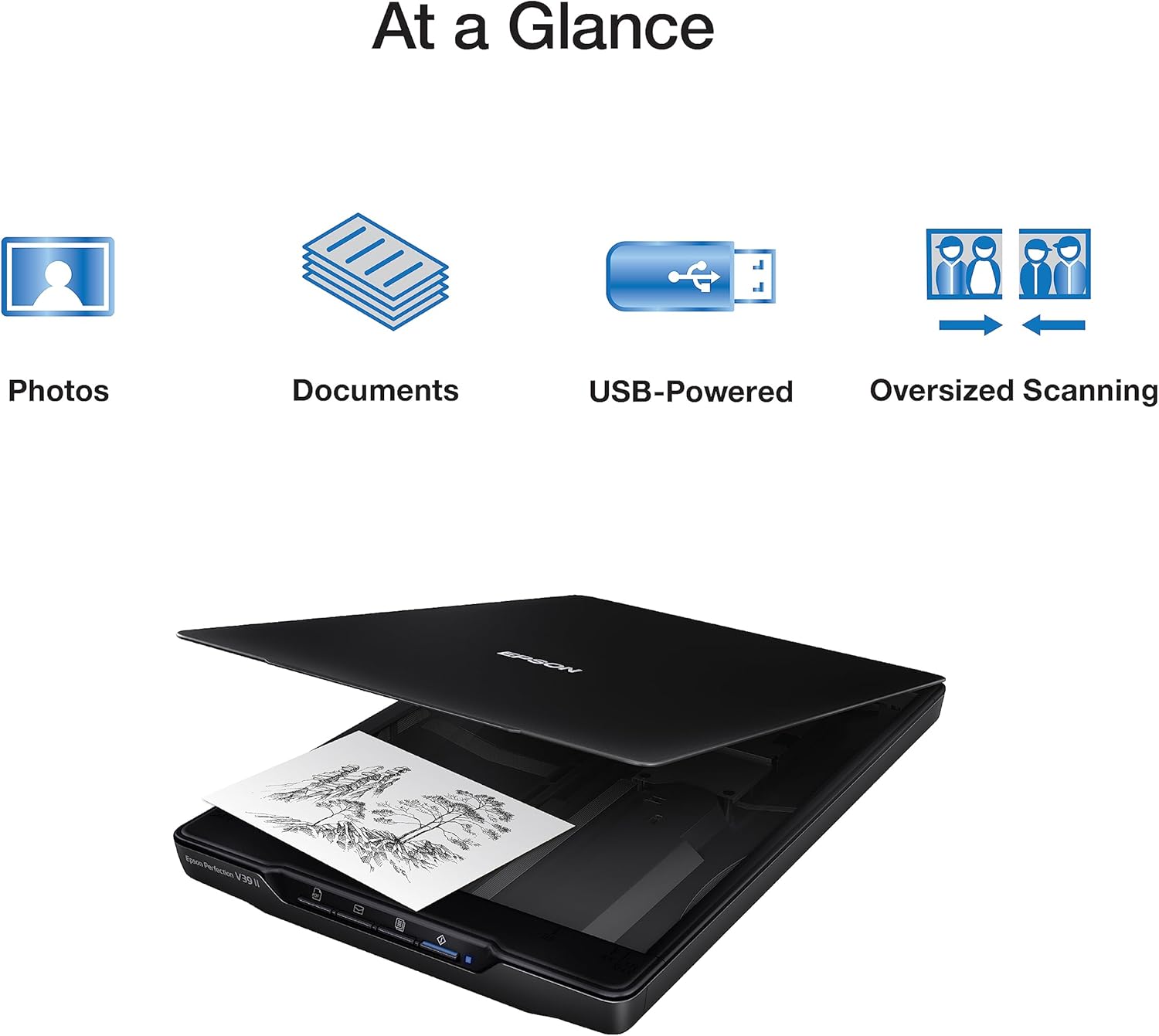
Scanner à plat
Epson Perfection V39 II
65€env.
View on Amazon
Amazon affiliate link — supports Zipero for free. Go Premium to remove.
Turn your images into a single PDF document.
Upload several photos or screenshots in JPG, PNG, or WebP format, reorder them however you like with the arrow buttons, choose the page format — fit to image, A4, or Letter — then download a single PDF containing all your images.
Great for combining receipt photos, documentation screenshots, or scanned pages into a single PDF that's easy to share or archive.
Your images are processed right in your browser. They're never sent over the internet or stored on our servers.
How to convert images to PDF with Zipero
- 1Drop one or more JPG, PNG, or WebP images into the upload area, or select them from your file browser.
- 2Reorder your images with the up/down arrows if needed, then choose the page format: fit to image, A4, or Letter.
- 3Click Convert to PDF, then download your document. Each image becomes a page in the PDF, in the order you chose.
When is converting JPG to PDF useful?
- ▸Combining receipt or invoice photos: snap photos of several receipts with your phone, then bundle them into one PDF that's easy to send to your accountant or archive.
- ▸Assembling documentation screenshots: combine several screenshots from a tutorial or process into a single PDF document, in the right order, for easier sharing than a set of separate images.
- ▸Building a portfolio or photo book: gather a selection of photos or visuals into a presentable PDF, before merging it with other documents using the Merge tool.
How image-to-PDF conversion actually works
Zipero uses pdf-lib to create a new PDF document, then embeds each image (JPEG or PNG) as an embedded image object, before drawing a dedicated page for each one, in the chosen order.
WebP images are first decoded and redrawn onto an HTML canvas in your browser, then exported as PNG, since the PDF format doesn't natively support embedding WebP images directly.
Depending on the chosen page format, the image either fills the entire page (fit mode) or is centered and scaled with a margin on a standard A4 or Letter page — all without visible quality loss.
Frequently asked questions about converting JPG to PDF
Can I convert several images at once?
Yes. You can upload as many images as you like in one go, reorder them with the arrow buttons, then convert them into a single multi-page PDF — one page per image.
Are WebP images supported?
Yes. WebP files are automatically converted to PNG in your browser before being embedded in the PDF, with no extra action needed on your part.
Which page format should I choose?
The "fit" format creates a page sized exactly to each image, with no margin. A4 and Letter create standard-sized pages with the image centered and scaled to fit within a margin — useful for printing.
Scanner à plat
Epson Perfection V39 II
65€env.
View on Amazon
Amazon affiliate link — supports Zipero for free. Go Premium to remove.