Amazon affiliate link — supports Zipero for free. Go Premium to remove.
Merge PDF
Combine several PDFs into one neat file. Drag to reorder, then download.
1
Upload2
Process3
DoneDrag & drop files here
or click to browse from your computer
MAX SIZE: 20 MB
Fast Private
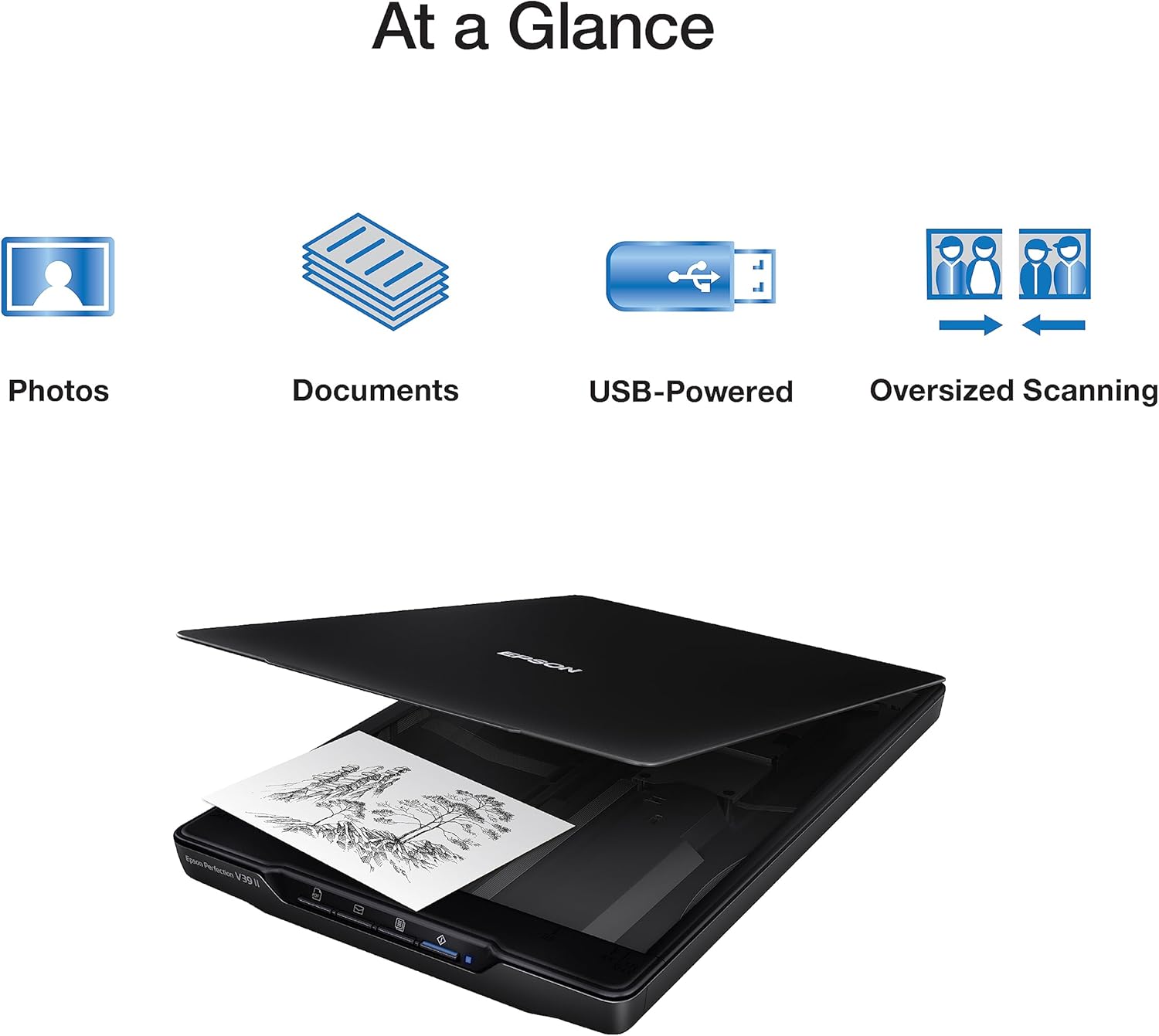
Scanner à plat
Epson Perfection V39 II
65€env.
View on Amazon
Amazon affiliate link — supports Zipero for free. Go Premium to remove.
Combine all your PDFs into one neat document.
Got several PDFs that should really be one file? Just drop them into Zipero, drag to set the order you want, and download your merged document. Takes less than a minute.
Works with any PDF — reports, contracts, invoices, forms. No quality loss and no account required.
Your documents are processed in your browser. They're never sent over the internet or stored on our servers.
How to merge PDF files with Zipero
- 1Drop all the PDFs you want to combine into the upload area. You can select multiple files at once from your file browser, or drag them in one by one.
- 2Once uploaded, drag the file cards to arrange them in the exact order you want in the final merged document.
- 3Click Merge, then Download your single combined PDF. No quality loss, no blank pages inserted, no watermarks added.
When is PDF merging useful?
- ▸Submitting job applications: combine your CV, cover letter, and supporting certificates into one tidy, professional file instead of sending a confusing folder of separate attachments to every recruiter.
- ▸Assembling financial records: merge monthly bank statements, supplier invoices, and expense receipts into a single ordered archive for your accountant, auditor, or annual tax return.
- ▸Creating manuals or booklets: combine chapter PDFs exported from different tools or sources into a single, logically ordered document ready for distribution or printing.
What actually happens inside a PDF during a merge
A PDF file is not a simple data stream — it is a graph of numbered objects. Each page is a dictionary object referencing child objects: content streams (rendering instructions), resource dictionaries (fonts, colour spaces, images), and annotations (links, comments). Merging two PDFs does not concatenate files: it imports the object graphs from both source documents into a single unified result document.
The core challenge is resolving numbering conflicts. Both documents have objects numbered starting from 1 — identifiers overlap. The merge tool must renumber objects from one document to avoid conflicts, then update all internal references accordingly. It also rebuilds the cross-reference table — the index that maps each object number to its byte offset in the result file.
Zipero uses pdf-lib to perform this operation. The library copies objects from each source document into the result document without re-encoding any content — meaning no quality loss on images, no font substitution, no text alteration. Embedded fonts are reused as-is. Only the navigation structure (cross-reference table, document catalogue) is reconstructed from scratch.
Frequently asked questions about PDF merging
Is there a limit on how many PDF files I can merge at once?
No. Zipero places no cap on the number of PDF files you can combine in a single merge operation. Performance depends on the total combined file size, not on the number of individual documents — you can merge dozens of files in one go.
Will the merged PDF preserve bookmarks and internal hyperlinks?
Yes. Zipero uses pdf-lib under the hood, which preserves the structure of each source document including internal links and page references. Cross-document bookmarks linking between the original files are not created automatically in the merged output.
Can I remove specific pages from a PDF before merging?
Yes — use Zipero's Extract PDF Pages tool first to isolate exactly the pages you need from each source document, then bring those extracted files back to the merger to combine them into your final output.
Related articles
Merging PDFs: The Complete Guide
When and how to combine PDF files effectively, with a look at what actually happens inside the file during a merge.
How to Extract Pages from a PDF: Complete Guide
How to isolate one or several pages from a PDF without specialist software — methods, use cases, and best practices.
How to Reduce PDF File Size Online
PDF too large to send by email? Here are the techniques to compress it without losing readability.
Scanner à plat
Epson Perfection V39 II
65€env.
View on Amazon
Amazon affiliate link — supports Zipero for free. Go Premium to remove.