Amazon affiliate link — supports Zipero for free. Go Premium to remove.
OCR Image
Turn any photo or screenshot into editable text. Great for receipts, notes or scanned pages.
1
Upload2
Process3
DonePREMIUM
Drag & drop files here
or click to browse from your computer
MAX SIZE: 20 MB
Fast Cloud Processing
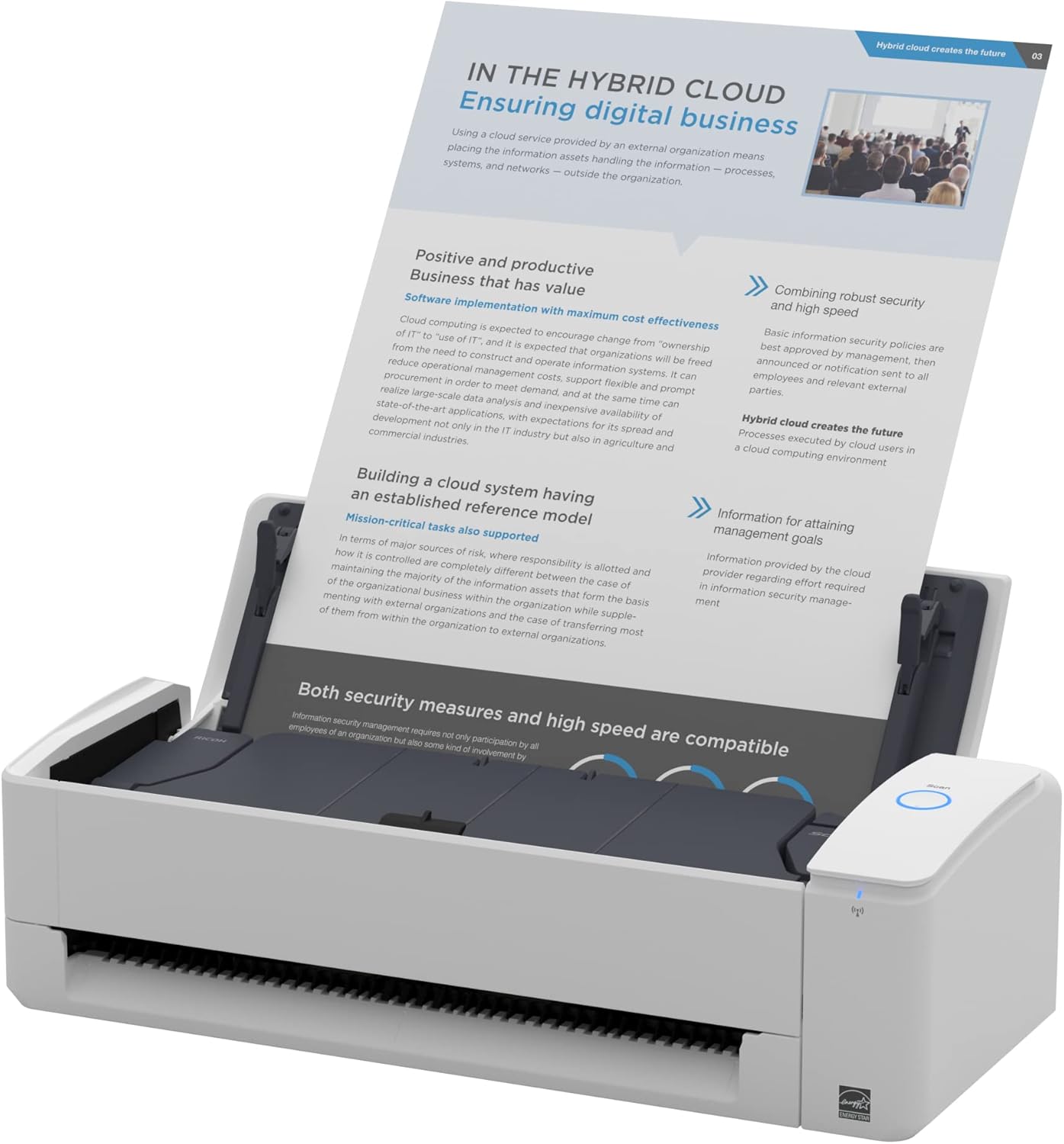
Scanner de documents
Fujitsu ScanSnap iX1300
279€env.
View on Amazon
Amazon affiliate link — supports Zipero for free. Go Premium to remove.
Turn any image into editable text in seconds.
Got a photo of a receipt, a screenshot of an email, or a scanned document? Zipero reads the text for you with up to 99% accuracy — no retyping needed.
Just upload your image (JPG, PNG, or JPEG) and Zipero extracts all the text, ready to copy and paste wherever you need it.
Your image is processed securely in our cloud and permanently deleted within 24 hours. We never store or use your content for any other purpose.
How to extract text from an image with Zipero
- 1Upload a photo, screenshot, or scanned document in JPG, PNG, or JPEG format. For best results use a well-lit image with clearly readable text.
- 2Zipero's OCR engine analyses the image and identifies all readable text automatically. No configuration is needed — the engine detects language and layout on its own.
- 3Copy the extracted text to your clipboard with one click, or download it as a plain text file. From there you can paste it into any document, spreadsheet, or application.
When is OCR most useful?
- ▸Digitising paper documents: take a photo of a paper invoice, letter, contract, or handout with your smartphone camera and transform it into searchable, editable, copy-pasteable text in seconds — no scanner required.
- ▸Extracting text from screenshots: you received a screenshot of an error message, a legal clause, a price table, or a block of code. OCR pulls the text out so you can paste it, edit it, translate it, or search for it — without retyping a single character.
- ▸Capturing notes from photos of slides or whiteboards: photos of conference presentations, lecture slides, or meeting whiteboard notes become searchable, quotable text you can paste directly into your notes, documents, or task management system.
How OCR works — from pixel to text in four steps
Optical Character Recognition transforms pixels into text through a four-step pipeline. First, preprocessing: conversion to greyscale, contrast enhancement, deskewing (correcting tilt), and noise reduction. This is the most critical step — a poor-quality or heavily tilted image halves final accuracy even with the best engine. Next, segmentation: the engine identifies text zones in the image, then breaks them down into lines, words, and individual characters.
The third step is glyph recognition. For each isolated character, the engine compares the glyph's shape against its database of character models. Modern approaches use convolutional neural networks (CNN) and LSTM (Long Short-Term Memory) networks trained on millions of text images — this is what allows Tesseract 4+ to achieve over 99% accuracy on clean printed text under good conditions.
Finally, contextual correction: the raw recognition result often contains errors (an 'l' recognised as '1', an 'O' confused with '0'). Built-in language models analyse recognised character sequences to correct linguistically improbable errors. Zipero uses Tesseract.js, the WebAssembly port of Tesseract — recognition happens entirely inside your browser on your device. No extracted text ever passes through our servers.
Frequently asked questions about OCR
What languages does Zipero's OCR engine support?
Zipero's OCR engine supports over 100 languages including French, English, Spanish, German, Italian, Portuguese, Dutch, Arabic, Chinese (Simplified and Traditional), Japanese, Korean, Russian, and many more. Language detection is automatic — you do not need to specify the language manually.
What image quality is needed for accurate text extraction?
For best results, use images where text is at least 12 pixels tall, reasonably well-lit, and in focus. Scanned documents at 200 DPI or above produce near-perfect extraction results. Blurry images, very low contrast between text and background, or extreme skew reduce accuracy — straightening and brightening photos before uploading improves results noticeably.
Can Zipero OCR recognise handwritten text?
The OCR engine is optimised for printed and digital text. Neat, clearly written block-capital handwriting is often recognised with acceptable accuracy. Cursive, connected, or highly stylised handwriting will produce errors — for reliable results, stick to printed, typed, or digitally rendered text sources.
Related articles
What Is OCR and How Does It Work?
How a machine turns an image of text into editable text — and why image quality is the deciding factor in accuracy.
OCR: How to Scan Paper Documents Into Editable Text
Turn a document photo into copyable text in seconds. A practical guide for getting accurate results.
File Metadata: What Your Files Reveal About You
Photos, PDFs, Word files — every file carries hidden information. What it contains and how to remove it before sharing.
Scanner de documents
Fujitsu ScanSnap iX1300
279€env.
View on Amazon
Amazon affiliate link — supports Zipero for free. Go Premium to remove.