Amazon affiliate link — supports Zipero for free. Go Premium to remove.
Drag & drop files here
or click to browse from your computer
MAX SIZE: 20 MB
Fast Private
Reorganize your PDF pages exactly the way you want.
Upload your PDF into Zipero: every page shows up as a thumbnail you can drag and drop to change the order, select for bulk actions, rotate 90 degrees, or delete with a single click.
Great for tidying up a scanned document, removing unwanted pages, or fixing the orientation of pages scanned upside down.
Your documents are processed right in your browser. They're never sent over the internet or stored on our servers.
How to organize a PDF with Zipero
- 1Drop the PDF you want to organize into the upload area, or select it from your file browser.
- 2Drag and drop the thumbnails to reorder pages, check several of them to rotate or delete them in bulk, or act page by page with the dedicated buttons.
- 3Click Apply & Download to generate your reorganized PDF, ready to use.
When is organizing a PDF useful?
- ▸Tidying up a scanned document: reorder the pages of a batch of documents scanned out of order to restore the correct reading order.
- ▸Cleaning up a document before sending it: remove blank pages, drafts, or unnecessary sections before sharing a contract or a report.
- ▸Fixing the orientation of scanned pages: rotate pages that were scanned upside down or sideways to get a document that reads the right way up.
How organizing a PDF works
Zipero uses pdfjs-dist to display a preview of every page directly in your browser, without ever sending the document to a server.
When you click Apply, pdf-lib copies only the pages you kept into the newly chosen order, applying the cumulative rotation of each original page.
The new PDF is generated entirely locally and then offered for download, with no intermediate server-side step.
Frequently asked questions about organizing a PDF
Can I reorder, rotate, and delete pages in a single operation?
Yes. You can drag and drop to change the order, rotate some pages and delete others, then apply all these changes at once with the Apply & Download button.
How do I select several pages at once?
Check the box on each thumbnail you want to include in a bulk action, or use the "Select all" button in the side panel, then rotate or delete the selection in one click.
Are my deleted pages really removed from the final PDF?
Yes. Only the pages remaining in the grid when you click Apply are included in the generated PDF, in the order and with the rotation shown.
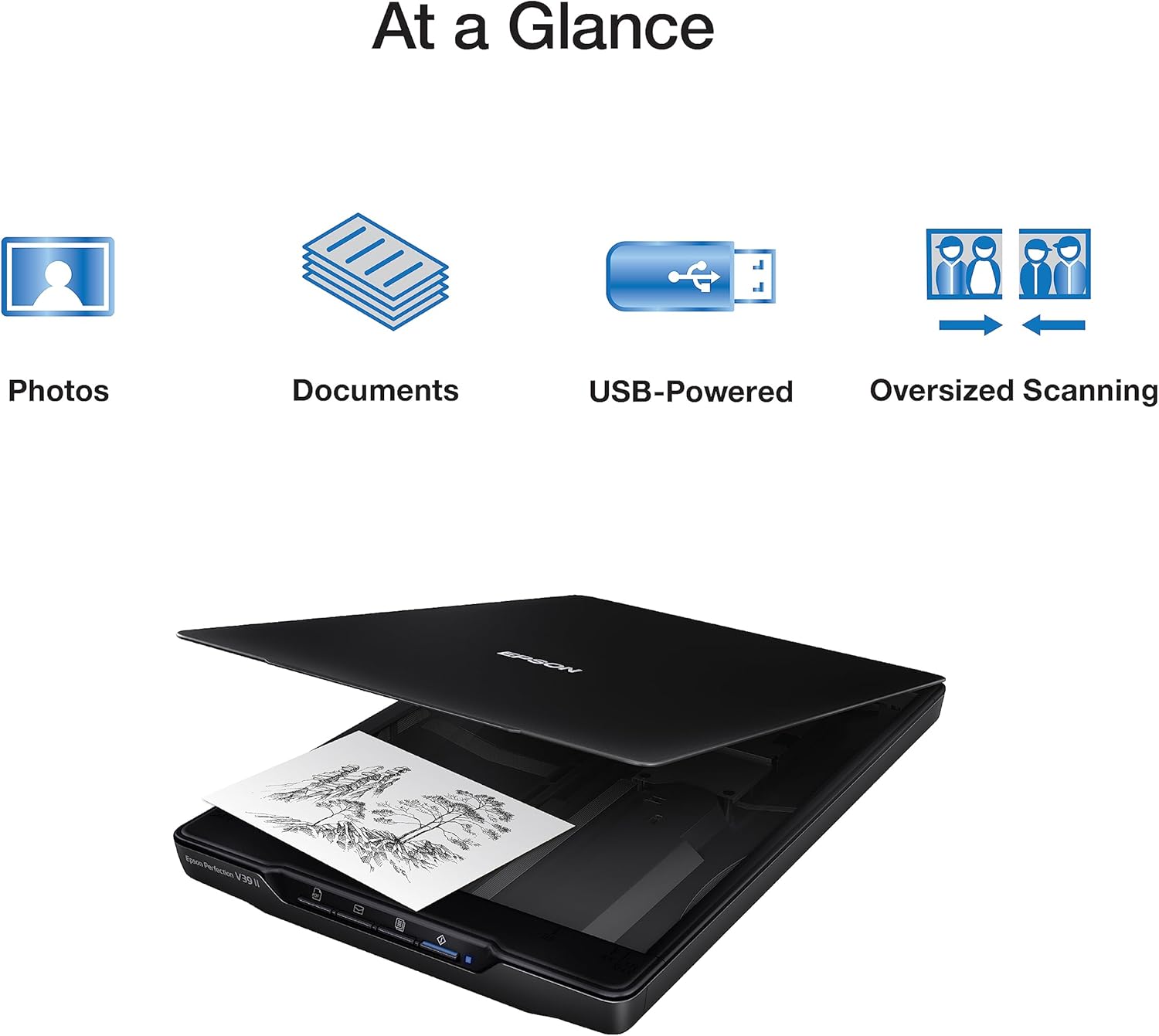
Scanner à plat
Epson Perfection V39 II
65€env.
View on Amazon
Amazon affiliate link — supports Zipero for free. Go Premium to remove.