Amazon affiliate link — supports Zipero for free. Go Premium to remove.
Watermark PDF
Add a text watermark to your PDF: choose opacity, rotation, and size.
1
Upload2
Process3
DoneDrag & drop files here
or click to browse from your computer
MAX SIZE: 20 MB
Fast Private
Rotation
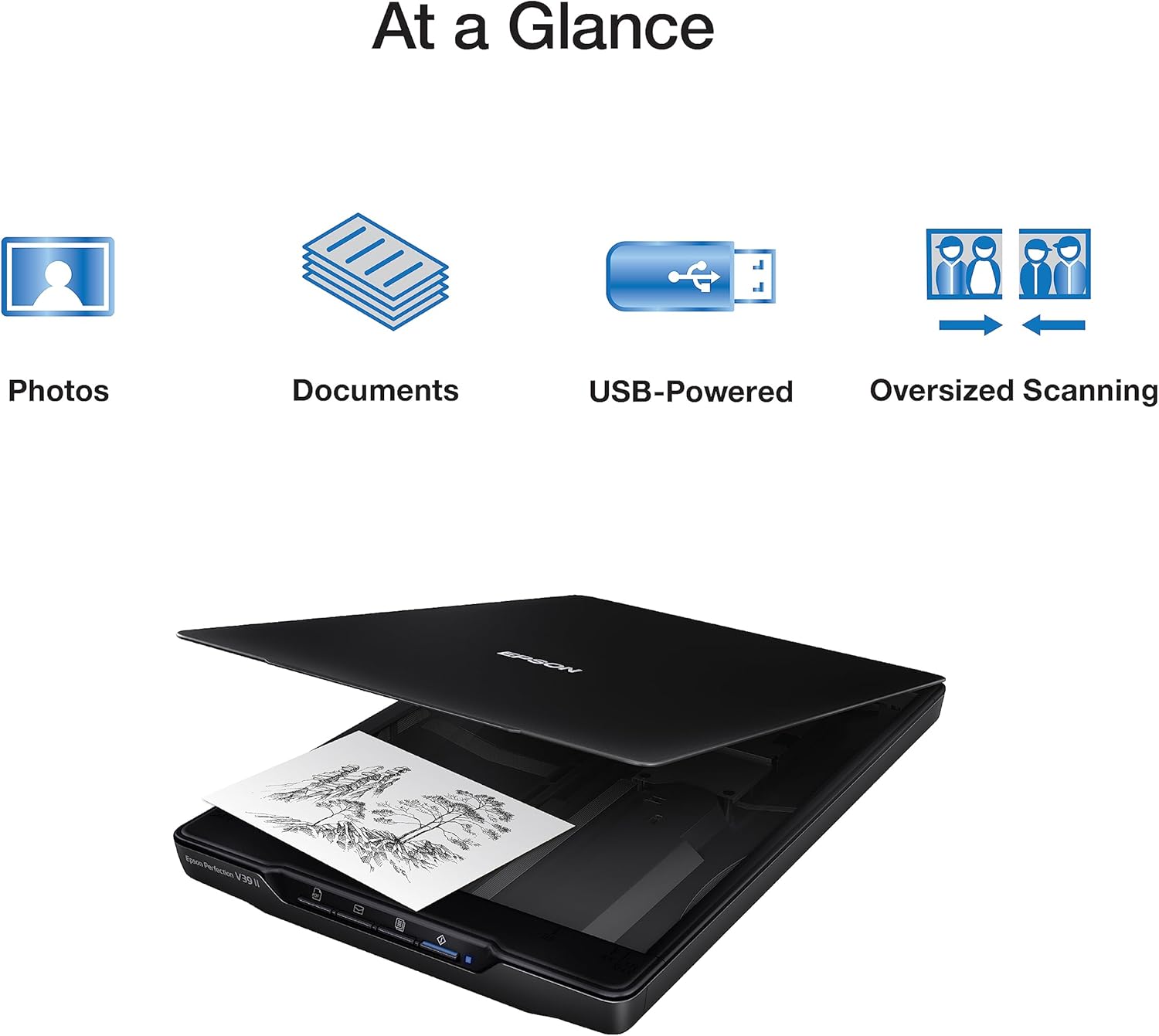
Scanner à plat
Epson Perfection V39 II
65€env.
View on Amazon
Amazon affiliate link — supports Zipero for free. Go Premium to remove.
Protect and identify your PDFs with a text watermark.
Upload your PDF to Zipero, type the watermark text — "CONFIDENTIAL", "DRAFT", your company name — then adjust the opacity and rotation angle before downloading the result. The watermark is applied to every page.
Perfect for marking confidential documents, contract drafts, or adding a copyright notice to documents shared publicly.
Your documents are processed right in your browser. They're never sent over the internet or stored on our servers.
How to add a text watermark with Zipero
- 1Drop the PDF you want to watermark into the upload area, or select it from your file browser.
- 2Type the watermark text, adjust the opacity with the slider, and choose the rotation angle (0°, 45°, or 90°).
- 3Click Add Watermark, then download your document. Every page gets the watermark in the chosen style.
When is a PDF watermark useful?
- ▸Marking a confidential document: stamp "CONFIDENTIAL" or "INTERNAL" on a report before sharing it with external partners, as a visual reminder of its status.
- ▸Identifying a contract draft: add a "DRAFT" watermark to preliminary versions of a contract to avoid confusion with the final signed version.
- ▸Adding a copyright or brand notice: add your company name or a copyright notice to documents meant for public distribution, before merging them with the Merge tool.
How adding a text watermark to a PDF actually works
Zipero uses pdf-lib to open the document, embed a standard font (Helvetica), then draw the watermark text at the center of each page with the chosen opacity and rotation.
The text size is computed automatically based on the page width and the length of the entered text, unless a custom size is provided.
This operation adds a new semi-transparent content element to each page without modifying the existing text, images, or layout: the original document stays intact, only the watermark is overlaid.
Frequently asked questions about PDF watermarks
Can I choose the opacity and angle of the watermark?
Yes. A slider lets you set the opacity between 10% and 100%, and you can choose a rotation of 0°, 45°, or 90° to match the watermark's look to your document.
Can the watermark be easily removed from the PDF?
The watermark is embedded in each page's content stream as a full text element. It is not meant as cryptographic protection, but as a visual, deterrent marking.
Does the watermark degrade the quality of the PDF's content?
No. Zipero only adds a semi-transparent text overlay on each page, without re-encoding or altering existing content — text, images, and fonts remain identical.
Scanner à plat
Epson Perfection V39 II
65€env.
View on Amazon
Amazon affiliate link — supports Zipero for free. Go Premium to remove.